
The Architecture
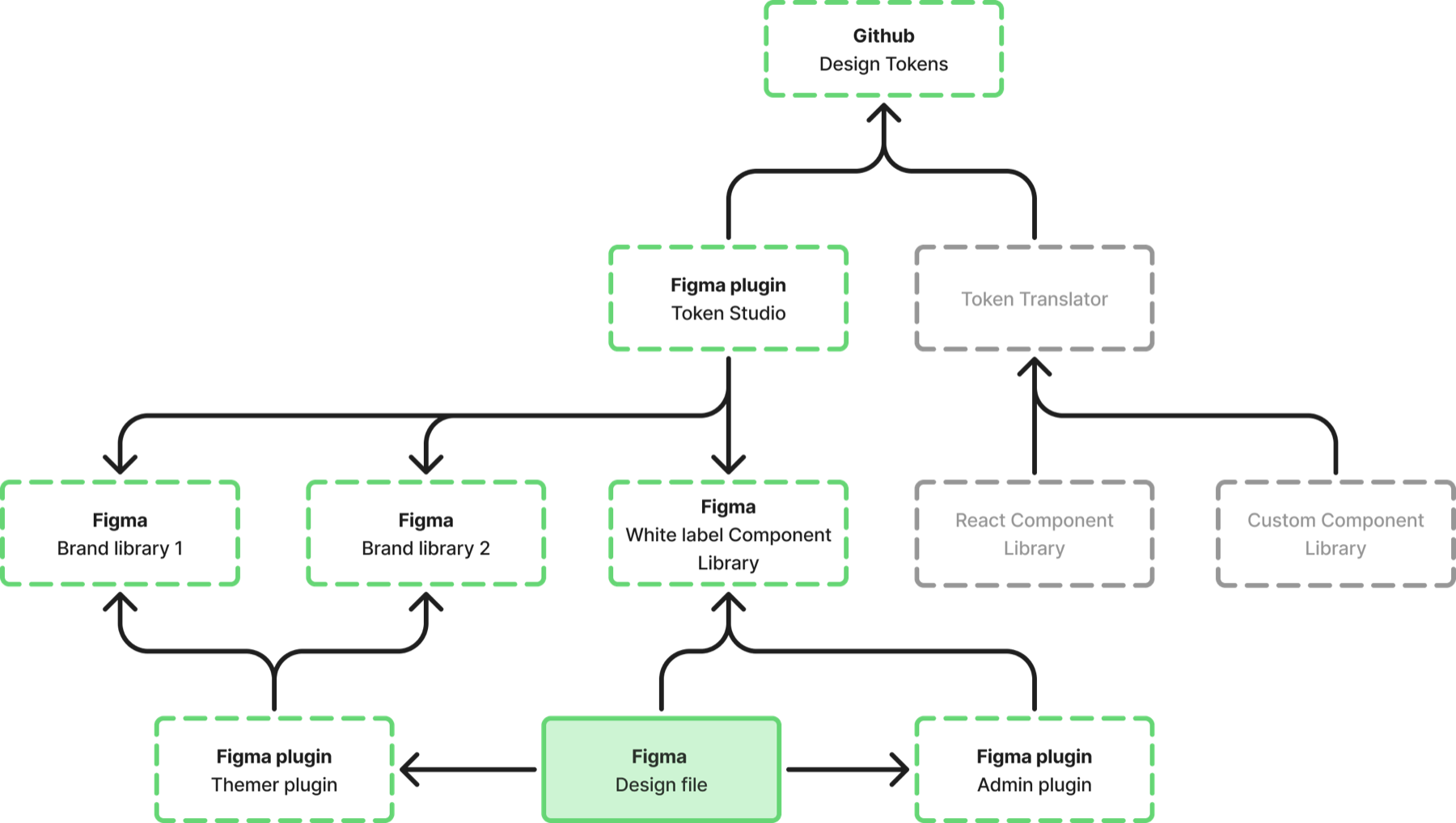
I designed the full dataflow, from a single source of truth out to both engineering and design:
- Tokens as JSON in GitHub — one source of truth for every brand.
- A GitHub Action transforms those tokens into platform-specific formats for developers — React, Angular, and custom outputs.
- Token Studio → Figma variables → published team libraries, with access control so each brand only ever sees what it's allowed to see.
Two Figma Plugins
I built the tooling that made the system usable:
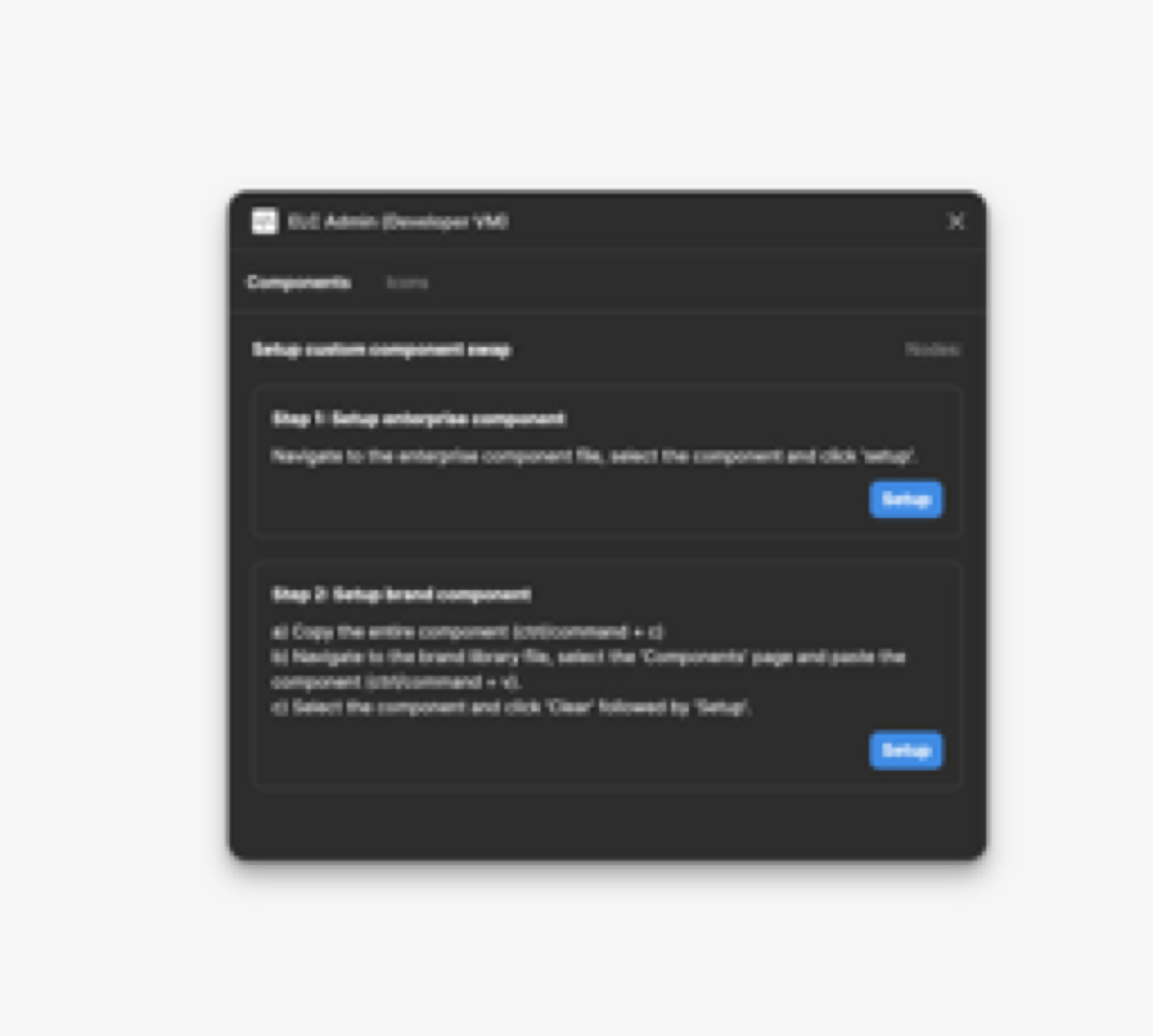
Admin Plugin — lets the core team map brand-specific text styles, icons, and components onto the system defaults using Figma metadata flags. This is how a generic component becomes a branded one without exposing it to other brands.
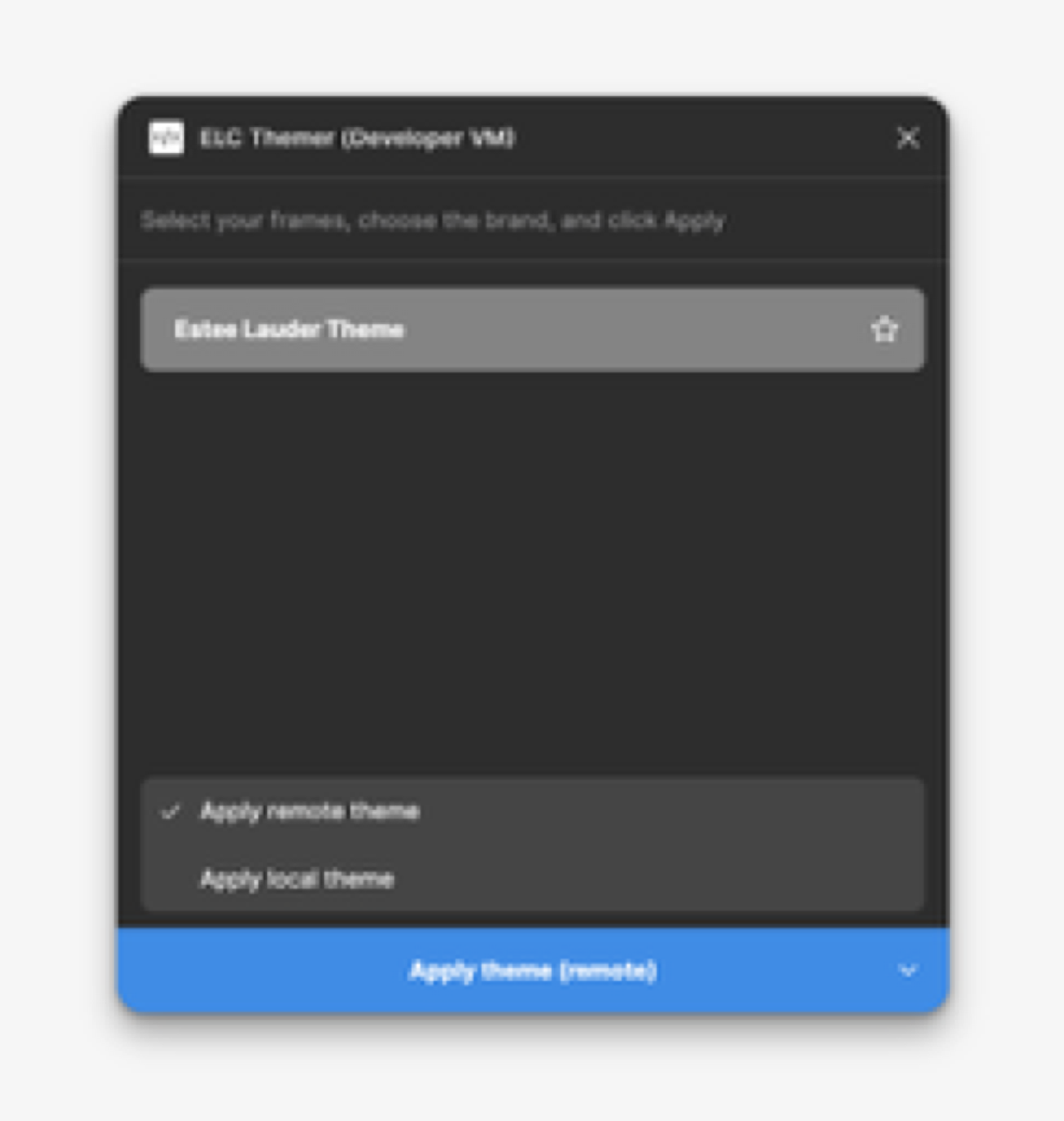
Themer Plugin — access-controlled theme switching with both local and remote theming. Brand designers see the white-label theme plus their own brand; central designers see all of them. On select, it traverses the component tree and swaps every variable pointer.
Performance Engineering
The Themer's first job — re-theming large template pages — was painfully slow.
- The problem: large template pages took 3–5 hours to theme.
- V1 (wrapped components): down to 20 minutes.
- V2 (local variable remapping): by remapping external variable pointers to local variables, under 2 seconds.
That last jump is the part I'm proudest of — a deep, unglamorous technical problem that turned an unusable workflow into an instant one.
Plugins in Action
Themer — variables visualizer. Inspecting and remapping variable pointers across a component tree, the mechanism behind the sub-2-second theming.
Admin plugin — custom icon swap. Mapping a brand's icon set onto the system defaults via Figma metadata flags, without exposing it to any other brand.
Admin plugin — custom component swap. Overriding a default component with a brand-specific version through the same metadata-driven mapping.
Why It Matters
Systems thinking and craft in the same project: I designed the architecture across design and engineering, then built the tools myself. Beyond the technical work, getting 23 brand teams with competing interests aligned on a single foundation was as much a coalition-building problem as an engineering one.